Previous: Pre-Installation Next: Post-Installation
Step 3 - Installation
Choose the Fashionista list that matches your copy of Bloodlines: Steam for Steam, or GOG for GOG. Both lists contain the same mods and profiles.
You don’t need to run the game prior to installing the modlist.
Installation
Open Wabbajack and and click Get Started

The list is not featured so you will have to check Non-Featured and I would suggest setting the game to Vampire the Masquerade - Bloodlines
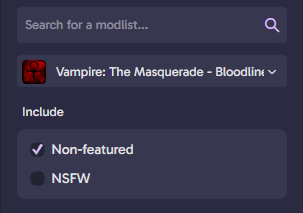
Select the Fashionista entry marked Steam or GOG, depending on where you own Bloodlines. The list entries may have different names from the screenshot below; check the store name before continuing.
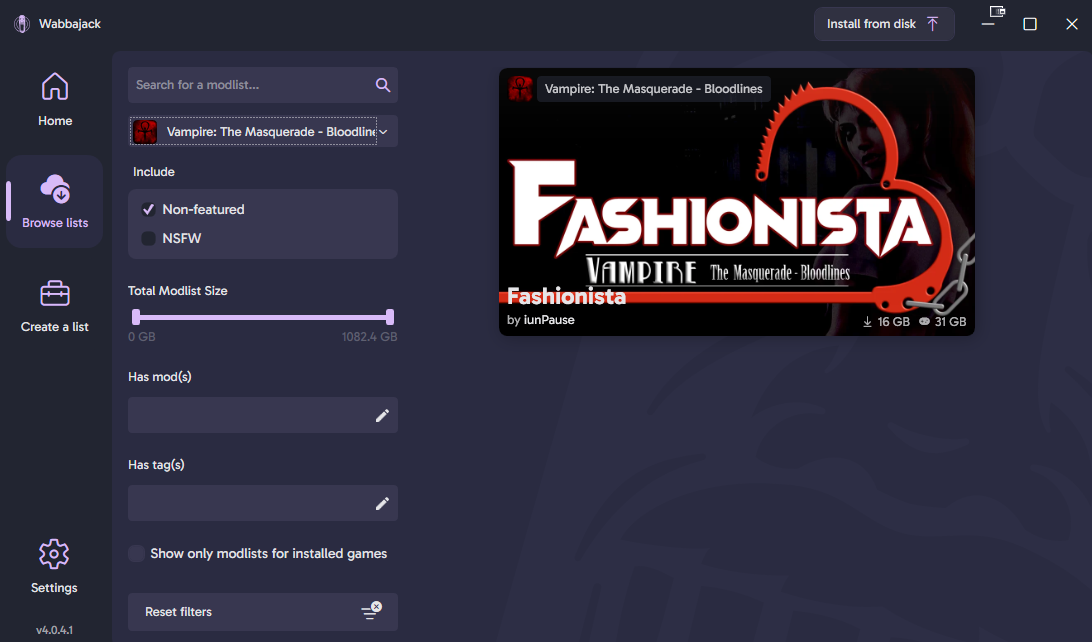
When you click on the list you should open a new page where it will ask you to Download & Install
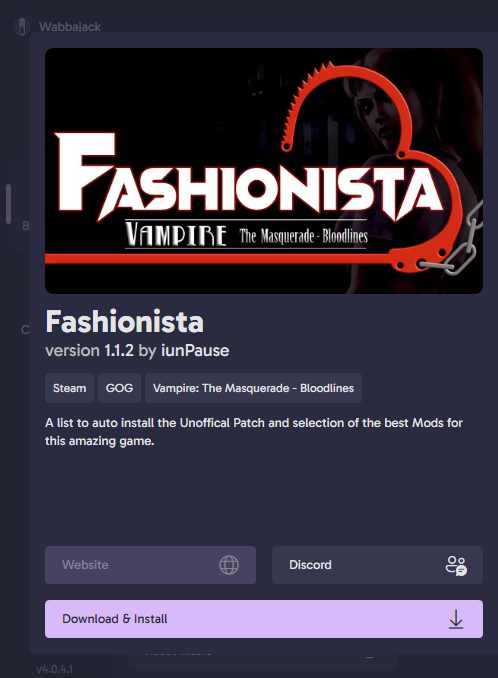
Click the Download and Install button and it will start downloading, this might take a while depending on the speed of your internet connection. Simply wait for it to finish and then it should open a new screen.
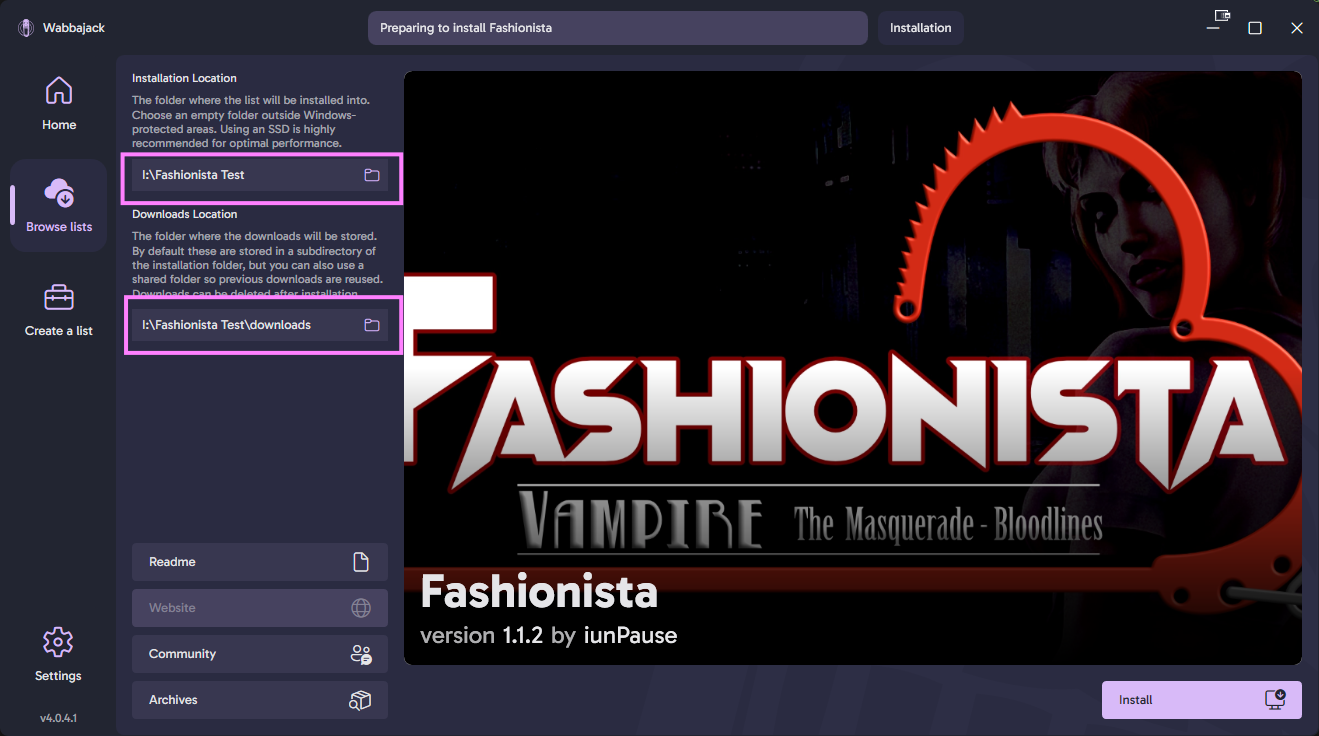
To the Left of the splash screen, you will see two locations.
- Installation location
- This is the folder into which your list will be installed.
Set the installation location to a folder on the root of a drive, something like C:\Fashionista. Do not install it to one of the protected folders such as Program Files, Documents or Desktop. The download location will have been filled in for you too.
Make sure not to use any special characters in your folder name except for dashes
-Wabbajack can’t handle characters like[ ]in folder names.
- Downloads location
- This is the location where all the mod and archives will be downloaded to.
I recommend you keep your downloads outside of the Fashionista installation folder. If you ever need to reinstall the list, you won’t have to download all the mods again.
For example, your setup could look like this:
C:\Fashionista - Installation location
C:\FashionistaDL - Download locationThe download location does not have to be on the same drive as the installation location and the download location can be on a HDD if needed.