Previous: Installation Next: Launch the Game
Step 4 - Post-Installation
After Wabbajack has given you the “installation successful” screen, you’re free to close it.
Open Mod Organzier 2
The list is built using Mod Organizer 2 and we use this to run the list and pick your options and profiles.
Start by opening the folder you installed the list into and then run MO2 by double-clicking ModOrganizer.exe.
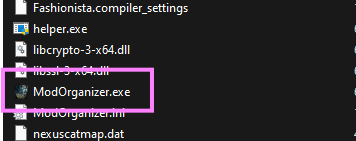
This should open Mod Organizer 2.
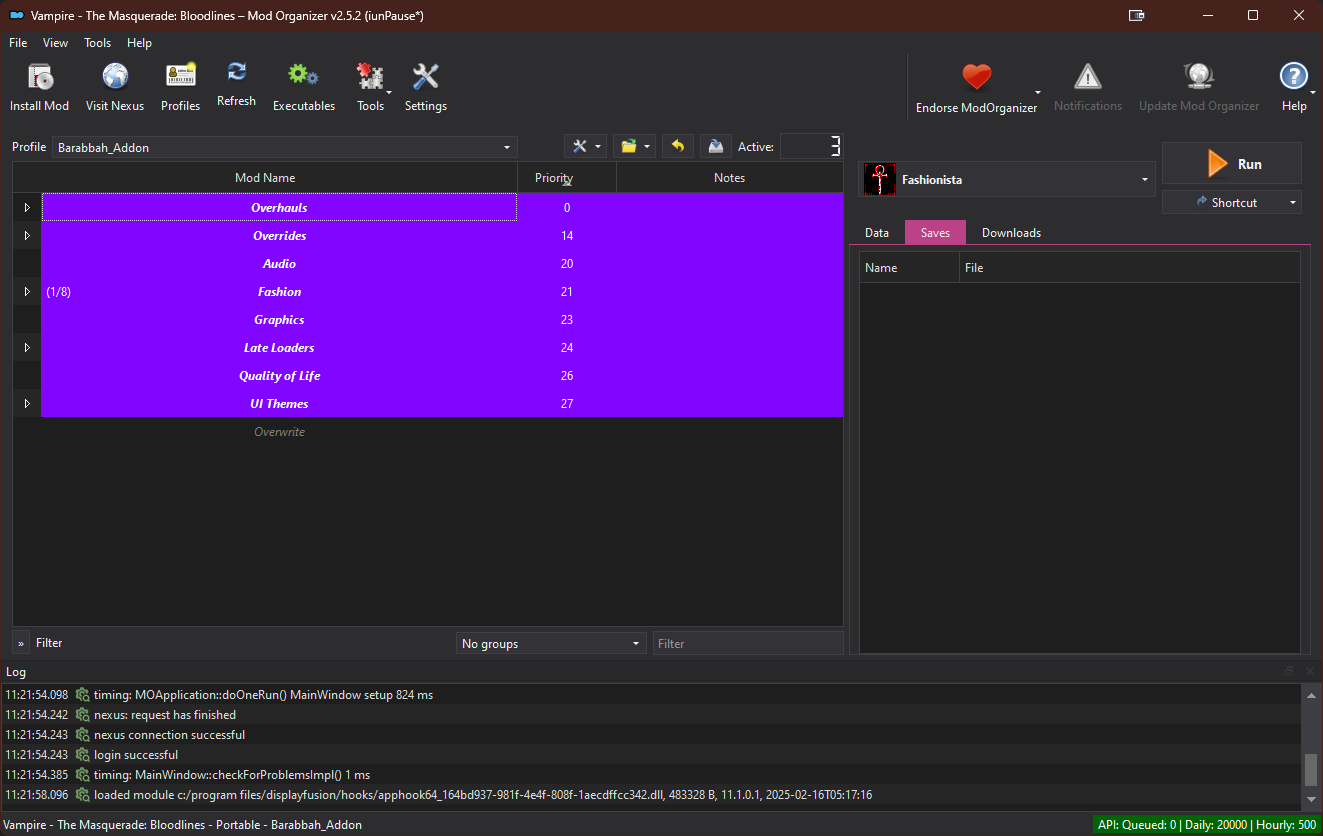
Pick your Profile
Next, select the profile you wish to use in the Profiles drop down menu.
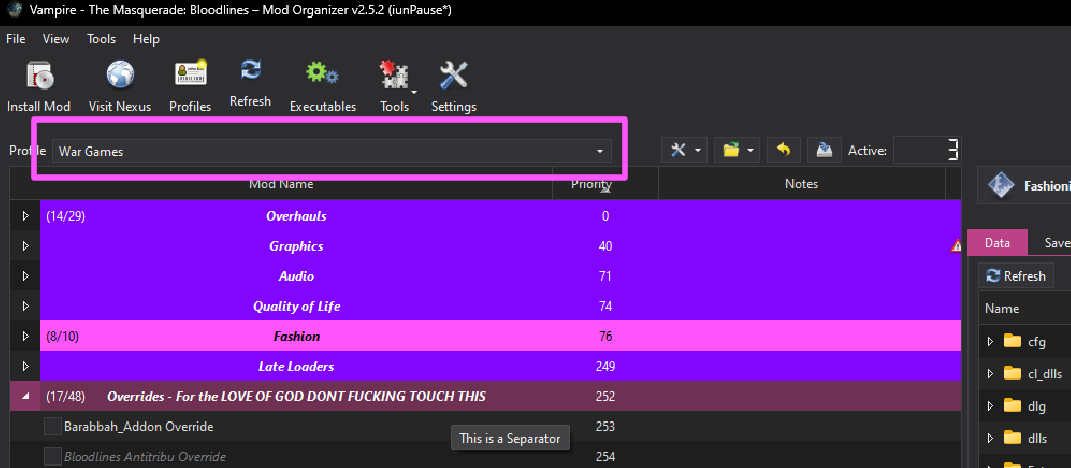
Take a look at the list of the profiles for more information on what they contain.
Configuration
For most new people I would suggest running the list as is.
DO NOT UNDER ANY CIRCUMSTANCES RUN LOOT.
The load order is exactly as intended out of the box and you do not need to change it.
Plus it only works for Skyrim so double don’t use it.